
What service pack, release, or build number are you at? A question I commonly ask system admins, and it is surprising how many don’t know the answer.
Here are the simplest methods of getting the OS build information.
GUI
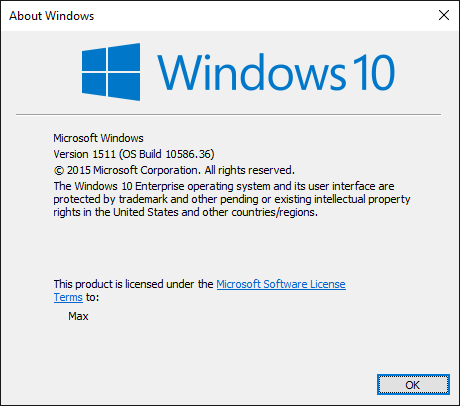
winver.exe
Command Prompt
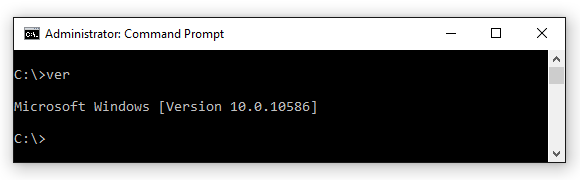
ver
PowerShell
PS C:\> [System.Environment]::OSVersion.Version
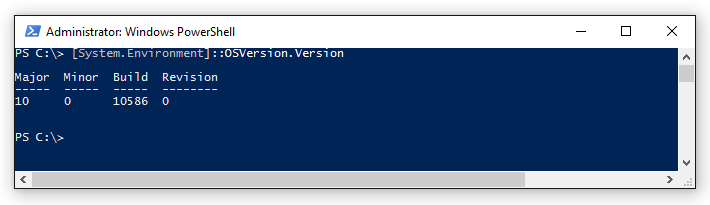
Table of Windows Builds
| Operating System | Version Number |
|---|---|
| Windows Server 2016 Tech Preview | 10.0* |
| Windows 10 | 10.0* |
| Windows Server 2012 R2 | 6.3* |
| Windows 8.1 | 6.3* |
| Windows Server 2012 | 6.2 |
| Windows 8 | 6.2 |
| Windows Server 2008 R2 | 6.1 |
| Windows 7 | 6.1 |
| Windows Server 2008 | 6.0 |
| Windows Vista | 6.0 |
| Windows Server 2003 R2 | 5.2 |
| Windows Server 2003 | 5.2 |
| Windows XP 64-bit Edition | 5.2 |
| Windows XP | 5.1 |
| Windows 2000 | 5.0 |
| *For applications that have been manifested for Windows 8.1 or Windows 10. Applications not manifested for Windows 8.1 or Windows 10 will return the Windows 8 OS version value (6.2). | |